
How to Tell If a Video Is AI (And Why It's Getting Harder)
"Is this real?" might be the most common question on the internet in 2026. Here's a simple checklist for spotting AI video, plus the honest truth about why the checklist is getting less reliable every month.
Quick check: 30 seconds
- Is it trying hard to make you feel something? Outrage, shock and "you won't believe this" are the easiest emotions to fake.
- Do you know the account? New accounts with huge views and no history are a red flag.
- Is anyone else reporting it? Real events usually have more than one source.
Visual check: what to watch for
- Hands, teeth and ears. Extra fingers, blurry teeth and ears that shift shape are classic tells.
- Mouths that drift out of sync. Watch the lips over a long sentence, not just the first few words.
- Text in the background. Signs, logos and shirts with garbled letters.
- Physics that feels off. Objects floating, hair melting into backgrounds, shadows pointing the wrong way.
- Flicker around the face. Deepfakes often shimmer when something passes in front of the face or the head turns fast.
Source check: the part that still works
- Screenshot a sharp frame and run a reverse image search (Google Lens or TinEye).
- Find the earliest upload. The original poster often labels AI work as AI.
- Look for Content Credentials. Some cameras and tools now sign media so you can check where it came from.
Why this is getting harder
Every visual tell on this list gets weaker as AI improves. Mouth sync, hands and lighting were obvious in 2024. In 2026 the best models get most of them right, and studies show people are close to guessing at random on the newest clips.
That's why the question is shifting from "does this look real?" to "can this be verified?"
The better fix: apps where fake can't get in
Instead of asking you to be a detective on every post, some apps are building trust into how content gets posted in the first place.
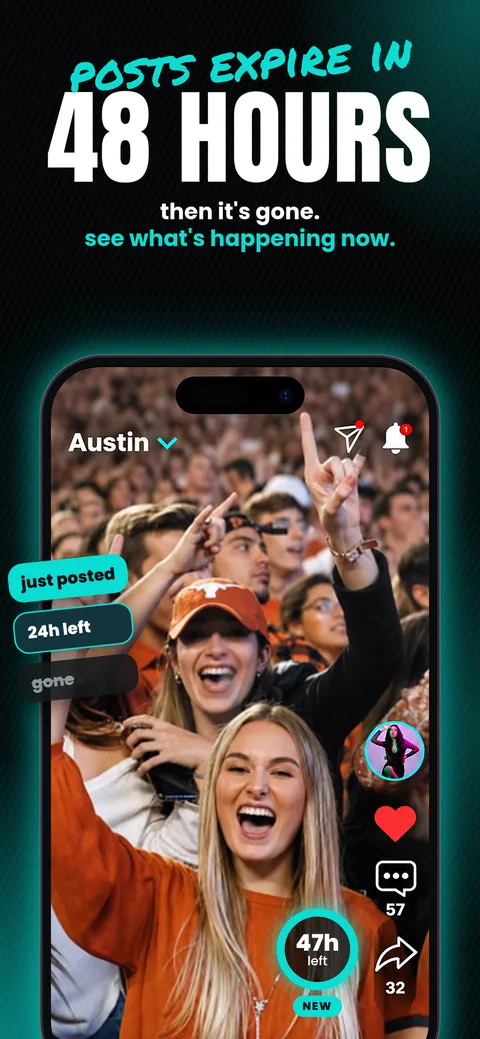
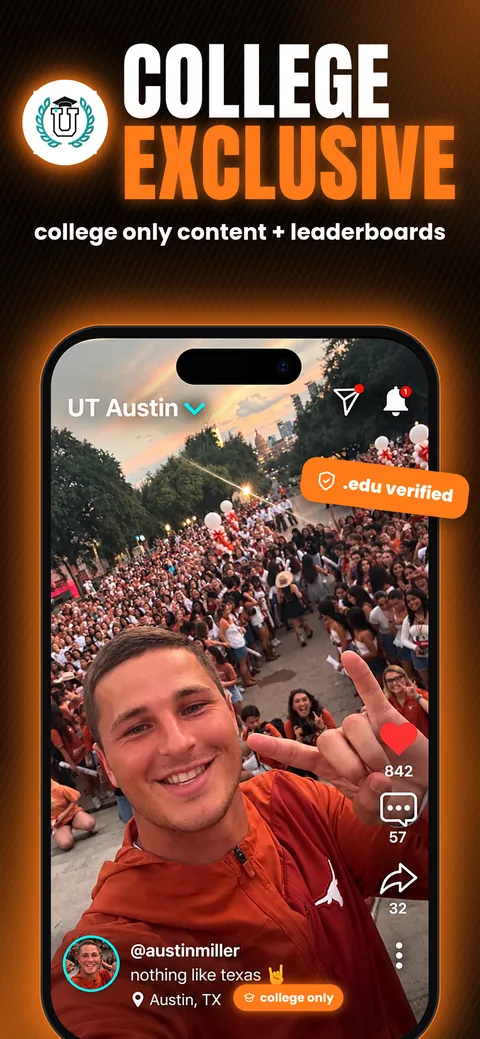
Portal is one of them. Every photo and video is captured live inside the app. There's no upload button for your camera roll, so AI-generated or edited clips can't be posted. Posts are tied to real locations, and they expire after 48 hours, which keeps everything in the moment.
You shouldn't need a checklist to enjoy your feed.
Frequently asked questions
How can I tell if a video is AI-generated?
Look for odd hands, teeth, background text and lip-sync drift, then check the source: find the earliest upload, reverse-search a frame and see if other sources confirm it.
Are AI video detectors accurate?
Not reliably. In 2026 tests, detectors and people both performed near chance on clips from the latest video models, so source checks matter more than detector scores.
Which social apps block AI content?
Portal blocks AI content by design: posts can only be captured live in the app, with no uploads from your camera roll.
Real people. Real places. No AI.
Portal just launched. Free on iPhone, live everywhere in the US.